
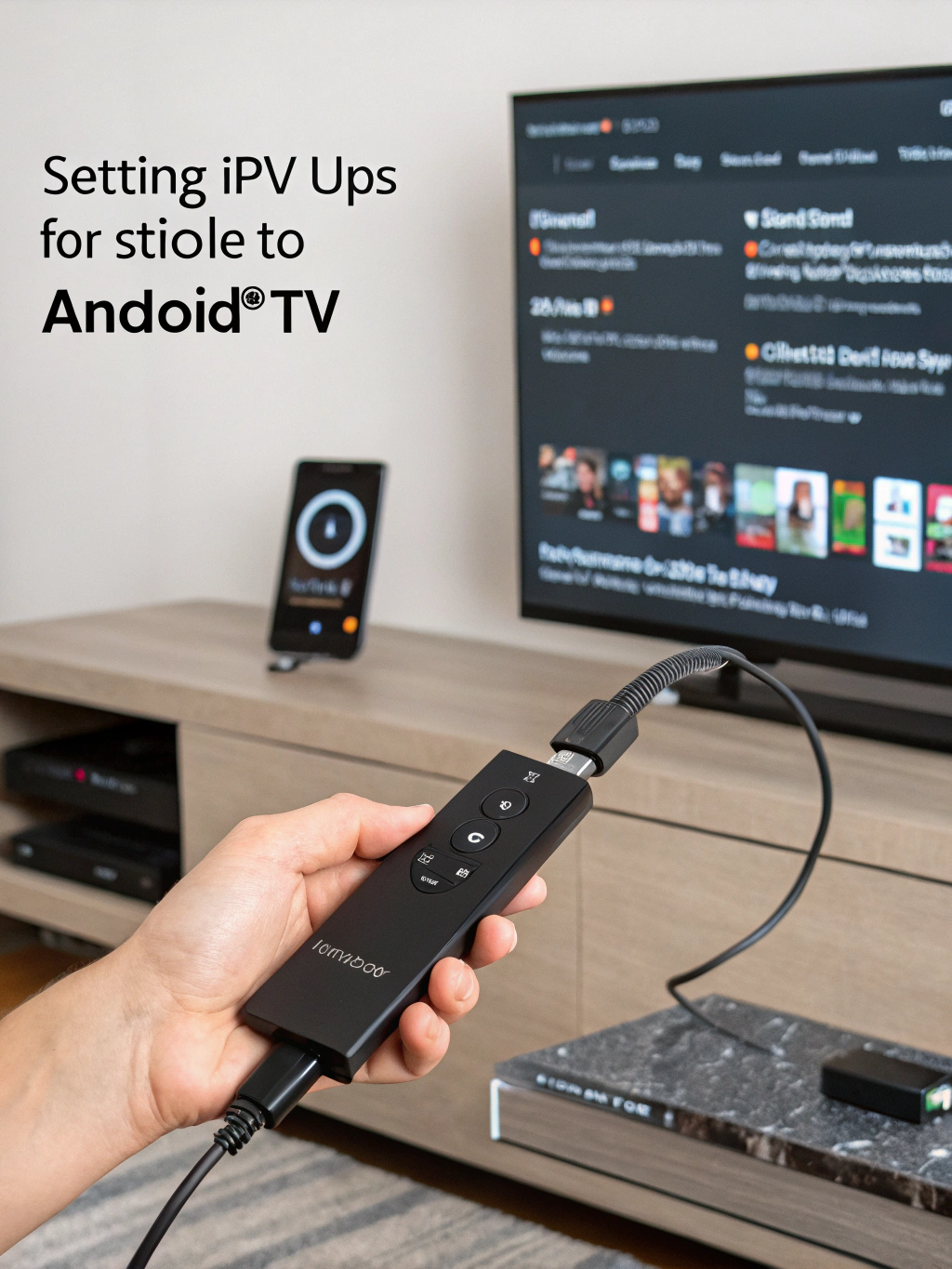
TiviMate IPTV Player Setup Guide for Firestick, Android & Smart TV
Looking for the ultimate way to stream live TV channels on your favorite devices? The tivimate iptv player has revolutionized how cord-cutters experience television, offering a sleek interface and powerful features that put traditional cable boxes to shame.
Whether you own an Amazon Firestick, Android device, or Smart TV, this comprehensive guide walks you through everything you need to know about setting up and maximizing your TiviMate experience. From initial installation to advanced customization, we cover every detail to get you streaming in minutes.
What Is TiviMate IPTV Player?
TiviMate is a premium IPTV player application designed specifically for Android-based devices. Unlike basic media players, it transforms your streaming device into a sophisticated television experience with an electronic program guide (EPG), recording capabilities, and multi-playlist support.
Developed by AR Mobile Dev, this application serves as a front-end player that connects to IPTV services. It doesn’t provide content itself but rather organizes and displays channels from your chosen IPTV subscription provider.
The application supports M3U playlists and Xtream Codes API, making it compatible with virtually every IPTV service on the market. Its intuitive design mimics traditional cable TV interfaces while adding modern streaming conveniences.
TiviMate has gained massive popularity among cord-cutters since its release, becoming the go-to choice for users seeking a reliable, feature-rich IPTV solution. The app is available in both free and premium versions, with the premium unlock offering essential features for serious streamers.
Why TiviMate Matters for Modern Streamers
- Cord-cutters seeking cable alternatives: TiviMate provides a familiar TV-watching experience without expensive cable subscriptions, perfect for households transitioning away from traditional providers.
- Current streaming landscape importance: With rising costs of streaming services, IPTV solutions offer cost-effective access to thousands of channels worldwide, and TiviMate serves as the premium gateway to this content.
- Problems it solves: Eliminates clunky interfaces, buffering issues, and limited customization found in basic IPTV apps. It consolidates multiple playlists into one organized interface.
- Industry trend relevance: IPTV adoption continues growing globally, with millions abandoning cable annually. TiviMate positions users at the forefront of this entertainment evolution.
- Device flexibility: One application works across multiple Android-based devices, creating a unified experience throughout your home entertainment setup.
Key Features of TiviMate IPTV Player
- Electronic Program Guide (EPG): A comprehensive TV guide displaying current and upcoming programs across all channels, complete with detailed show descriptions and scheduling information.
- Recording and Catch-up: Record live TV directly to external storage or access catch-up content for previously aired programs, ensuring you never miss important broadcasts.
- Multiple Playlist Support: Add and manage several tivimate iptv playlist sources simultaneously, switching between providers seamlessly within the same interface.
- Favorites and Groups: Organize channels into custom categories, create favorite lists, and hide unwanted content for a personalized viewing experience.
- Picture-in-Picture Mode: Watch one channel while browsing others, perfect for sports fans monitoring multiple games simultaneously.
- Parental Controls: Lock specific channels or categories with PIN protection, keeping inappropriate content away from younger viewers.
- External Player Support: Integrate third-party video players like MX Player or VLC for enhanced codec support and playback options.
- Auto-start and Background Playback: Configure TiviMate to launch automatically when your device boots and continue audio playback when minimized.
In-Depth Explanation: How TiviMate Transforms Your Streaming Experience
Understanding how the tivimate iptv player works requires examining its architecture. The application functions as a sophisticated middleware layer between your IPTV provider and your television screen.
When you add a playlist, TiviMate parses the M3U file or connects via Xtream Codes API to retrieve channel information. It then organizes this data into categories, downloads EPG data from specified sources, and presents everything through its polished interface.
Real-World Scenario: Imagine coming home after work wanting to watch live sports. With TiviMate, you press one button on your Firestick remote, and within seconds, you see a familiar cable-like grid showing all available sports channels. You spot your game, click it, and full-screen playback begins instantly.
The application maintains channel history, remembers your last-watched position, and even suggests content based on viewing patterns. Premium users enjoy unlimited favorites, recordings, and the ability to manage up to five playlists simultaneously.
Buffer management represents another crucial advantage. TiviMate includes adjustable buffer settings, allowing users to optimize playback based on their internet connection quality. This technical flexibility reduces stuttering and improves overall stream stability.
For households with multiple TVs, TiviMate Companion allows synchronization across devices. Set up your channels and favorites once, then export settings to other devices running TiviMate, maintaining consistency throughout your home.
Step-by-Step Setup Guide for TiviMate IPTV Player
Installing TiviMate IPTV Player on Amazon Firestick
- Enable Apps from Unknown Sources: Navigate to Settings > My Fire TV > Developer Options. Toggle “Apps from Unknown Sources” to ON. This allows installation of applications outside the Amazon Appstore.
- Install Downloader Application: From the Firestick home screen, search for “Downloader” in the Amazon Appstore. Install this free utility, which enables sideloading applications via URL.
- Download TiviMate: Open Downloader and enter the official TiviMate download URL. The APK file will download automatically. When prompted, select “Install” to complete the installation process.
- Launch and Configure: Open TiviMate from your apps list. Grant necessary permissions when prompted. The initial setup wizard will guide you through adding your first playlist.
- Add Your IPTV Playlist: Select “Add Playlist” and choose your input method M3U URL or Xtream Codes. Enter your provider credentials and allow TiviMate to download channel data.
- Configure EPG Sources: Navigate to Settings > EPG and add your provider’s EPG URL. Enable auto-update to keep program information current automatically.
Installing TiviMate IPTV Player on Android Devices
- Access Google Play Store: Open the Play Store on your Android phone, tablet, or Android TV device. Search for “TiviMate IPTV Player” in the search bar.
- Install the Application: Select the official TiviMate app by AR Mobile Dev. Tap “Install” and wait for the download to complete.
- Initial Configuration: Launch TiviMate and follow the setup wizard. The Android version offers identical functionality to the Firestick version with the same intuitive interface.
- Add Playlist and EPG: Input your IPTV provider details using M3U or Xtream Codes format. Configure EPG sources to enable the program guide functionality.
Installing TiviMate IPTV Player on Smart TVs
- Verify Android TV Compatibility: TiviMate works on Android TV-based Smart TVs from brands like Sony, TCL, Hisense, and Nvidia Shield. Samsung and LG TVs require alternative solutions.
- Access Play Store: Navigate to the Google Play Store on your Android TV. Search for TiviMate and install directly.
- Alternative Sideloading Method: For TVs without Play Store access, use a USB drive containing the TiviMate APK. Install a file manager app first, then locate and install the APK from your USB.
- Complete Setup: Follow the same playlist and EPG configuration steps outlined above for the best viewing experience.
Pros and Cons of TiviMate IPTV Player
- Pros: Exceptional user interface that rivals premium cable boxes, making navigation intuitive for all ages.
- Pros: Comprehensive EPG support with multiple source options and automatic updates.
- Pros: Recording functionality allows time-shifting and building personal content libraries.
- Pros: Regular updates from developers ensure compatibility and introduce new features consistently.
- Pros: Lightweight application that runs smoothly even on older Firestick models.
- Cons: Premium features require a one-time purchase, though pricing remains reasonable.
- Cons: Not available on iOS devices, limiting Apple ecosystem users.
- Cons: Requires technical knowledge to configure playlists and EPG sources initially.
- Cons: Dependent on IPTV provider quality TiviMate cannot fix poor source streams.
Frequently Asked Questions About TiviMate IPTV Player
Is TiviMate free to use?
TiviMate offers a free version with basic functionality. However, the premium version unlocks essential features like unlimited favorites, recording, and multiple playlist support. The premium license costs a modest one-time fee for lifetime access.
Does TiviMate include IPTV channels?
No, TiviMate is purely a player application. You must subscribe to a separate IPTV service provider who supplies the channel playlist. TiviMate organizes and displays this content but doesn’t provide channels itself.
Can I use TiviMate on multiple devices?
Yes, premium licenses allow installation on up to five devices simultaneously. This makes it perfect for households with multiple TVs or streaming devices.
Why isn’t my EPG showing program information?
EPG issues typically stem from incorrect source URLs or mismatched channel IDs. Verify your EPG URL is active, ensure your provider supports EPG, and check that channel assignments match your playlist.
How do I record shows with TiviMate?
Premium users can record by pressing the record button during playback or scheduling recordings through the EPG. Recordings save to internal storage or connected USB drives on supported devices.
Is using TiviMate legal?
TiviMate itself is completely legal software. However, the legality depends on your IPTV provider and the content they offer. Always use legitimate, licensed IPTV services to ensure compliance with copyright laws.
Best Alternatives to TiviMate IPTV Player
IPTV Smarters Pro: A popular alternative offering similar functionality with a slightly different interface. Supports multiple playlists and includes built-in EPG support, though many users find TiviMate’s interface superior.
OTT Navigator: Feature-rich option with extensive customization possibilities. Offers unique features like provider-specific plugins but has a steeper learning curve than TiviMate.
Perfect Player: Lightweight and straightforward IPTV player suitable for basic streaming needs. Lacks some advanced features but runs well on lower-powered devices.
Televizo: Modern IPTV player with material design interface. Good alternative for users seeking a fresh aesthetic with solid core functionality.
GSE Smart IPTV: Cross-platform solution available on both Android and iOS. Useful for Apple users who cannot access TiviMate but want similar functionality.
Expert Tips and Insights for Maximizing TiviMate IPTV Player
Optimize Buffer Settings: Navigate to Settings > Playback and adjust buffer size based on your connection. Users with slower internet should increase buffer to 5-10 seconds, while fast connections can use minimal buffering for reduced latency.
Create Smart Favorites: Instead of adding individual channels, create category-based favorites. Group sports channels, news networks, and entertainment separately for faster navigation during peak viewing times.
Use External Players Strategically: While TiviMate’s built-in player handles most streams, some 4K or HEVC content plays better through MX Player. Configure external player settings for specific channel types.
Backup Your Configuration: Regularly export your TiviMate settings using the backup feature. This saves playlists, favorites, and preferences, allowing quick restoration if you reset your device or switch hardware.
Schedule EPG Updates Wisely: Set EPG updates during off-peak hours, typically early morning. This prevents interface slowdowns during prime viewing time while keeping program data current.
Common Mistakes to Avoid When Using TiviMate
- Using Outdated Playlist URLs: IPTV providers frequently update their playlist URLs. Always verify your provider’s current credentials if channels stop working. Contact your provider for updated M3U links or Xtream Codes details.
- Ignoring EPG Configuration: Many users skip EPG setup, missing TiviMate’s best feature. Take time to properly configure EPG sources the enhanced viewing experience is worth the initial effort.
- Overloading with Playlists: Adding too many playlists simultaneously can slow performance and create confusion. Stick to one or two quality providers rather than multiple mediocre sources.
- Neglecting App Updates: Running outdated TiviMate versions causes compatibility issues and misses important bug fixes. Enable automatic updates or check manually monthly.
- Incorrect Recording Storage: Attempting to record without proper storage configuration leads to failed recordings. Ensure adequate space exists and external storage is properly formatted before scheduling recordings.
Conclusion: Start Streaming Smarter with TiviMate
The TiviMate IPTV Player has become the gold standard for modern IPTV users and for good reason. Its intuitive interface, powerful customization options, advanced EPG support, and seamless playlist management make it one of the most complete IPTV players available today. Whether you’re streaming on a Firestick, Android box, or Smart TV, TiviMate delivers a polished, cable-like experience without the high costs or outdated hardware.
From installation to advanced optimization, TiviMate gives you full control over your viewing experience. Features like recording, favorites management, multi-playlist support, and device syncing position it far ahead of traditional IPTV apps. As long as you pair it with a reliable IPTV subscription, you’ll enjoy smooth playback, organized channels, and an entertainment setup tailored exactly to your preferences.
If you’re serious about cord-cutting or simply want a better way to watch live TV, TiviMate is one of the smartest investments you can make for your home streaming system. Try it with your favorite IPTV provider and unlock a more flexible, powerful, and enjoyable viewing experience.